In the event that your IdP is unavailable, you can use a recovery code to sign in and access your enterprise on GitHub.com. For more information, see "Accessing your enterprise account if your identity provider is unavailable."
If you did not save your recovery codes when you configured SAML SSO, you can still access the codes from your enterprise's settings.
-
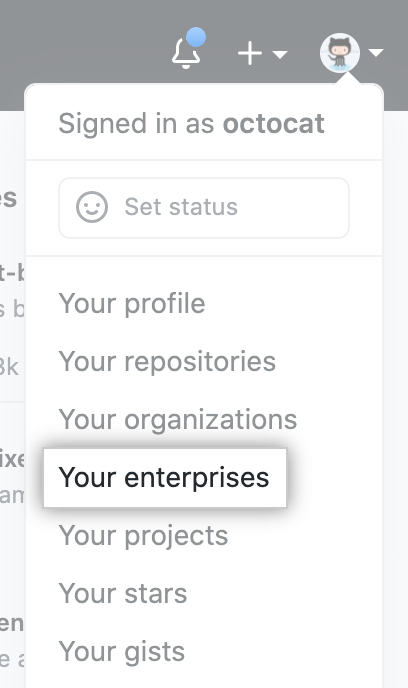
In the top-right corner of GitHub.com, click your profile photo, then click Your enterprises.
-
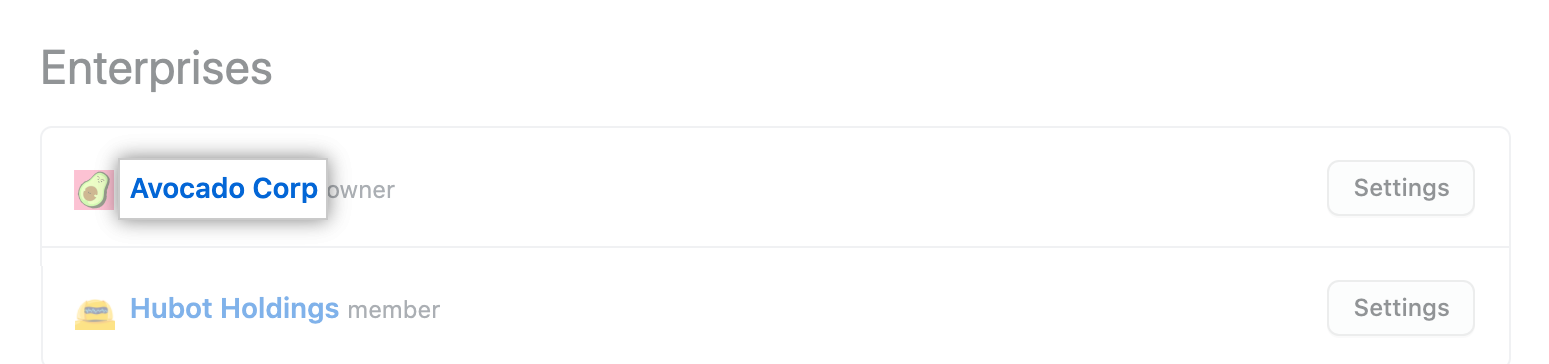
In the list of enterprises, click the enterprise you want to view.
-
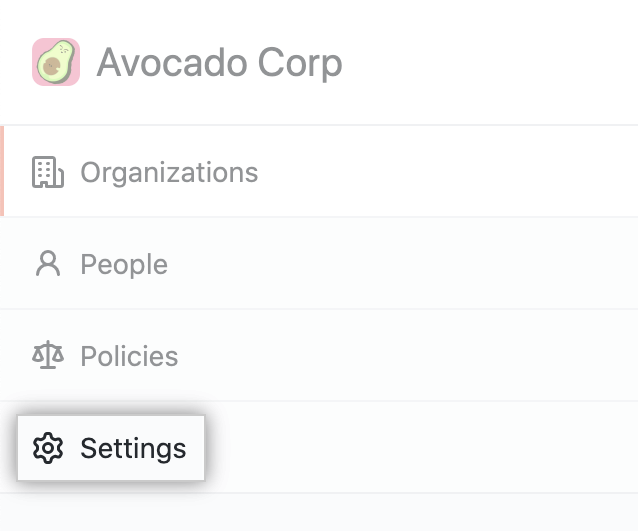
In the enterprise account sidebar, click Settings.
-
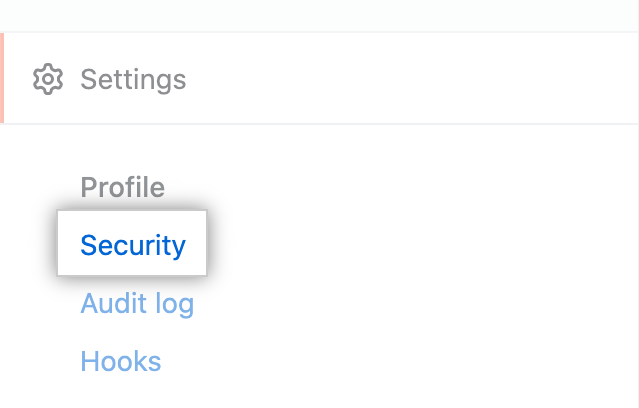
In the left sidebar, click Security.
-
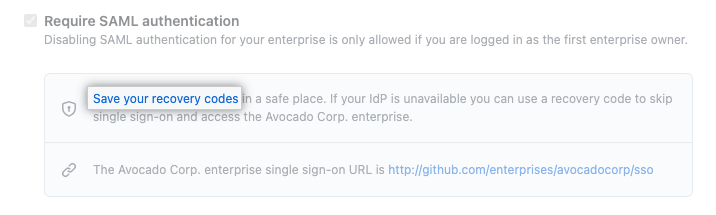
Under "Require SAML authentication", click Save your recovery codes.
-
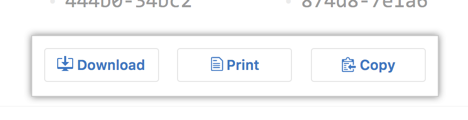
To save your recovery codes, click Download, Print, or Copy.