





- GPTX is an AI-powered chatbot designed to engage in natural language conversations with users. Built using the powerful GPT (Generative Pre-trained Transformer) technology, GPTX is capable of generating intelligent and contextually appropriate responses to a wide range of queries. Whether you're looking for advice, information, or just a friendly chat, GPTX is always ready to lend an ear and help you out. So why not strike up a conversation with GPTX today and see where it takes you
Python3
openai module
Own openai API key
- Termux
- Termux
For Termux User
-
apt update -y -
apt upgrade -y -
apt install git -y -
git clone https://github.com/MrHacker-X/GPTX.git/ -
cd GPTX -
chmod +x * -
bash setup.sh -
nano key.py -
Now here put your openai API key in
key.pyfile. and save file byctrl + sand get exit from filectrl + x. -
Now all is set.
-
python gptx.py -
By this command GPTX will launch in your terminal. And now you are ready to ask any question to GPTX. Ask your question and get your answer.
- To exit from tool just type
exitorbyeand hit ENTER. You will get exit from prompt. - Ask you doubt here
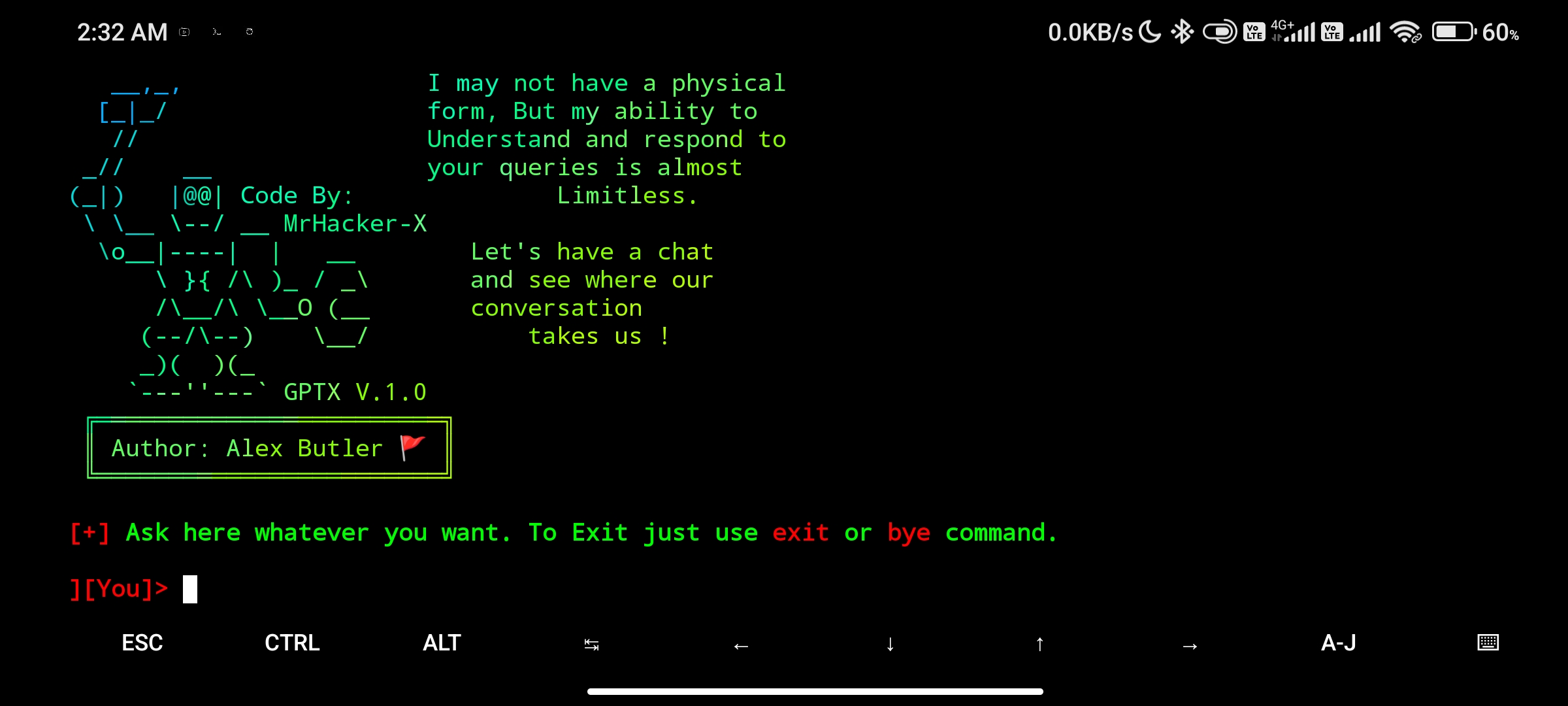
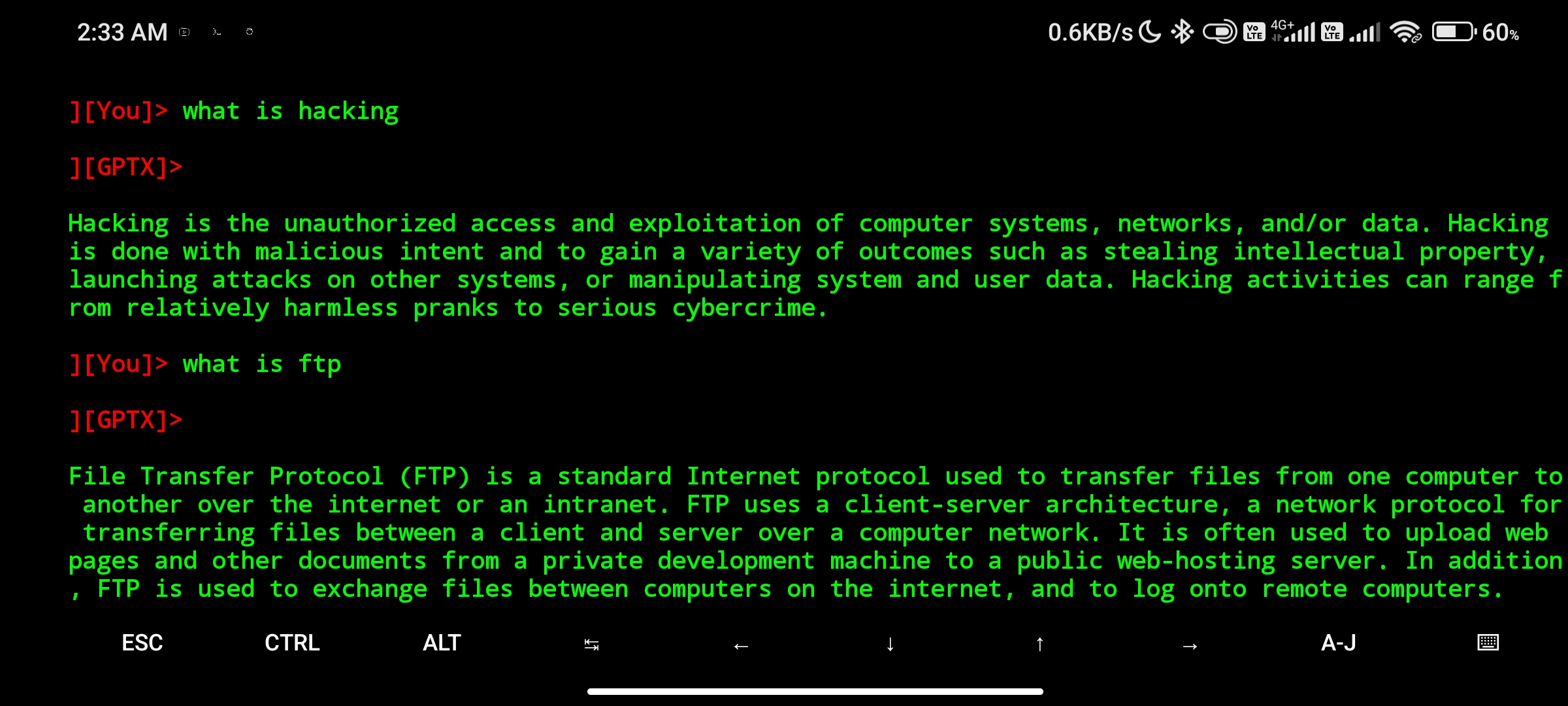
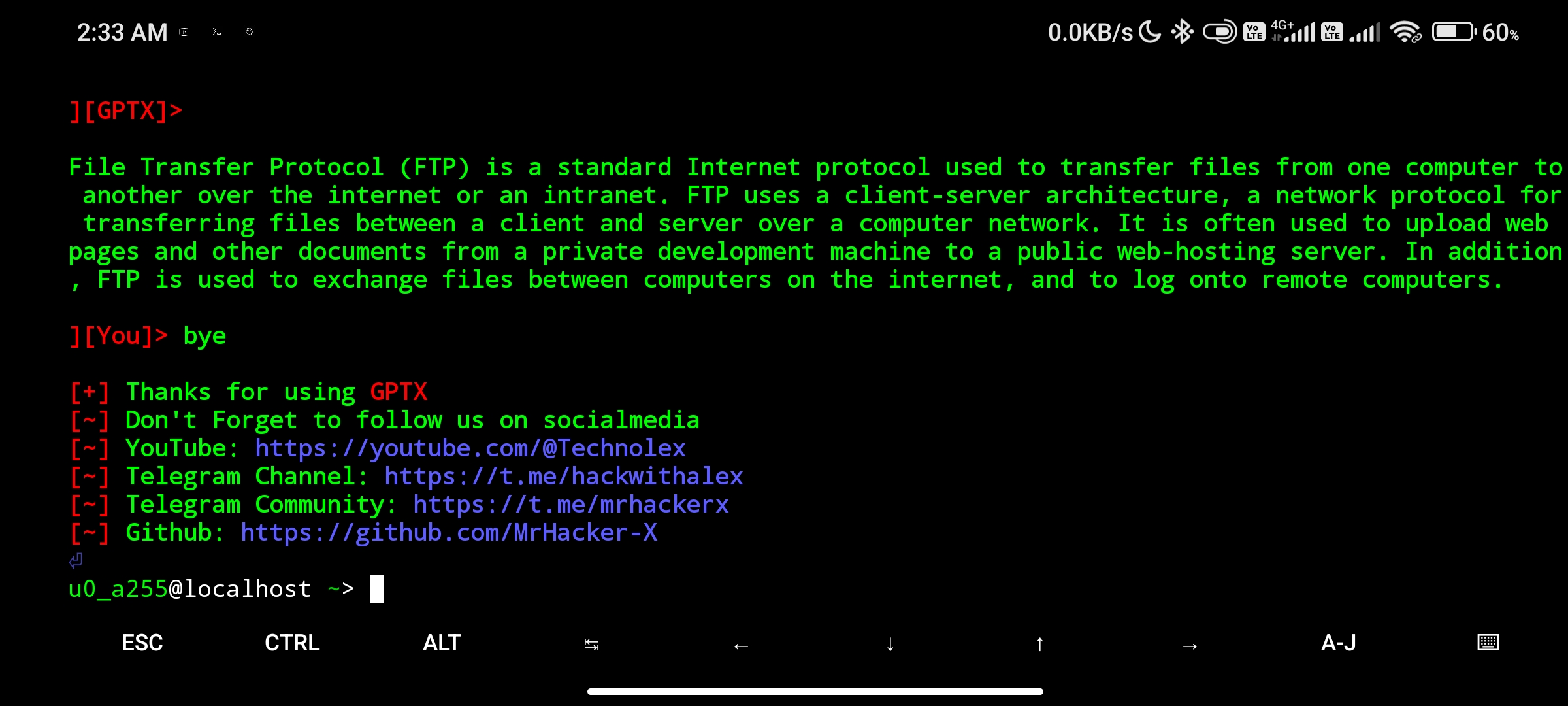
- You can check it out

