


Zooey Liao/CNET/James Bricknell
HTVRont D2 DTF printer
Commercial power for a consumer market
Pros & Cons
- Self-stirring white ink saves a ton of blockages
- The cleaning mode has kept the print head clog-free for weeks
- The large ink bottles allow you to print a ton of materials without constant top-ups
- The film feeder drifts very easily, causing errors and wasted ink
There are a lot of ways to make custom clothing. You can use a Cricut machine to cut vinyl, screen-print with paint, use sublimation to heat ink directly onto the surface or try the latest method, called DTF. The D2 from HTVRont is a large-scale DTF printer, and it’s perfect for small businesses looking to sell clothes or patches in larger quantities than they could produce with something like a Cricut.
What is DTF?
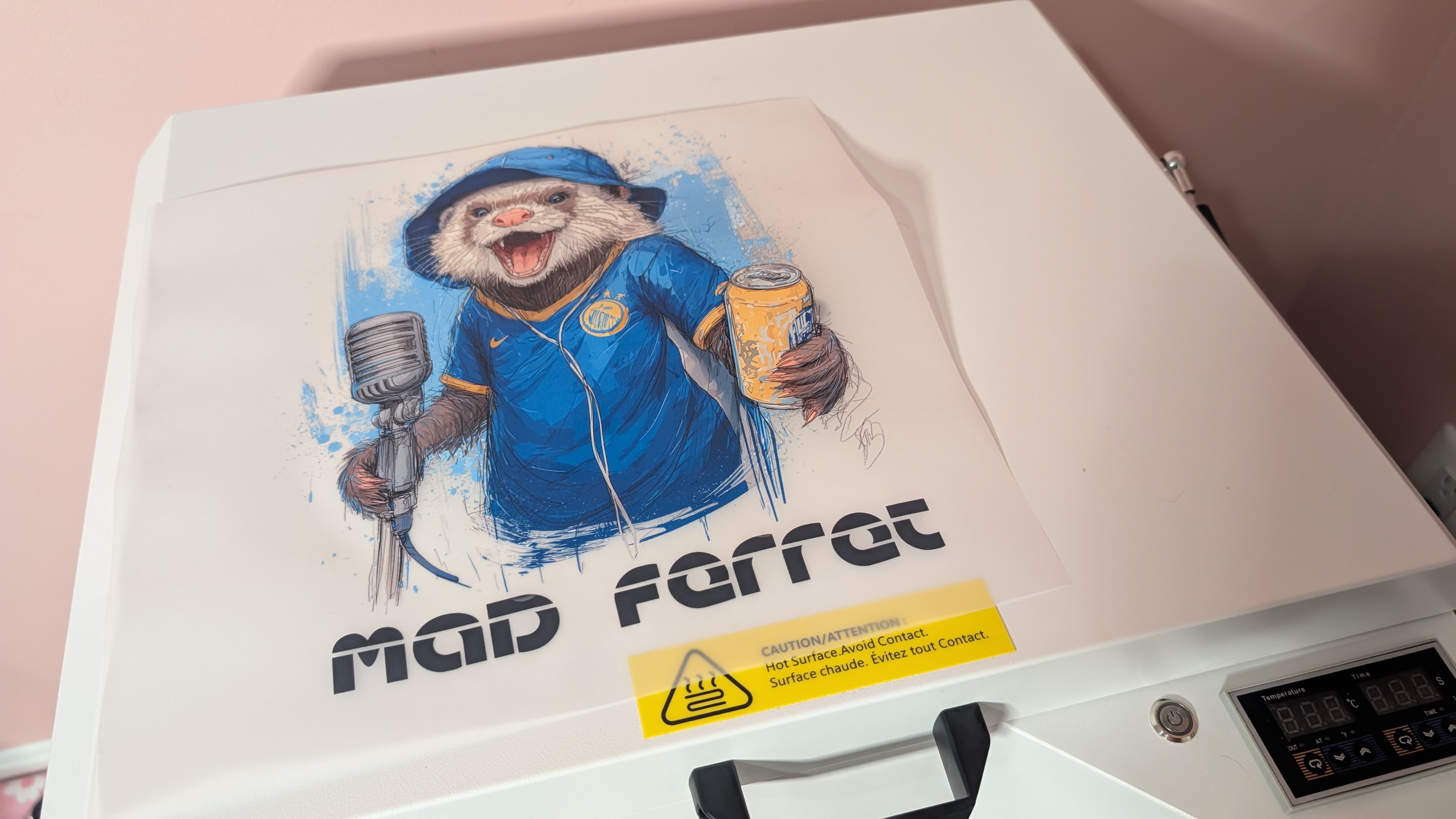
DTF, or Direct-to-Film, is a three-step process. First, the DTF printer prints the image you want onto a heatproof film and adds a thick white layer over the color. Then, while the paint is still wet, you bake TPU powder onto it, creating a rubbery surface on the back. Lastly, you use a heat press to melt that layer into the garment of choice, creating a firm seal after it’s cooled.
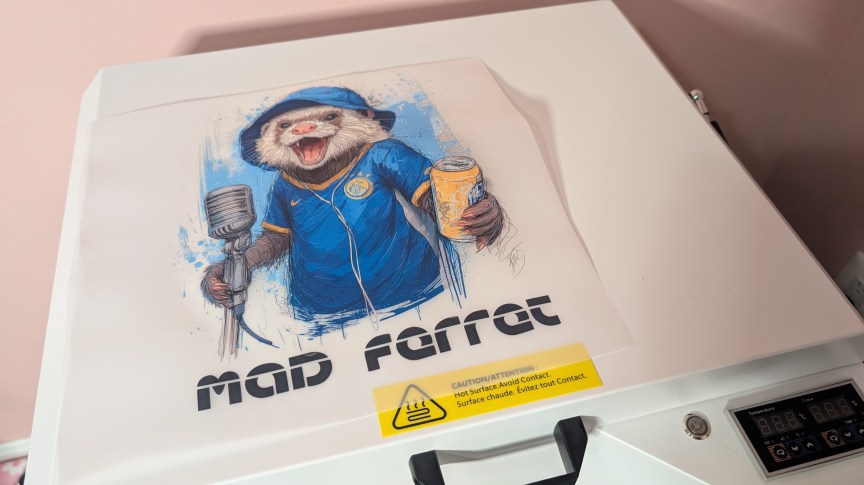
The end result is a stretchy transfer that feels thinner than vinyl transfers, much more vibrant than sublimation — sublimation really only works on very light clothing — and more glossy than a standard screen-printed shirt. It’s the best of all worlds for me as it’s a lot quicker than screen printing, without all the mess that comes with that medium.
More from CNET
Using the D2 daily is a pleasure
The D2 isn’t that different from other DTF printers I’ve used in terms of its mechanical operation. A giant roll of film is passed through the machine, where the inks are printed onto it. Once it’s done, you can use the front cutter to slice the film off and apply the powder before it dries.
What separates it from others on the market are the finer touches that make it a standalone consumer product rather than a commercial one. It doesn’t need a constant connection to a PC to run in the background. As long as it has power, it will feed, clean and maintain itself regardless of the PC connection.
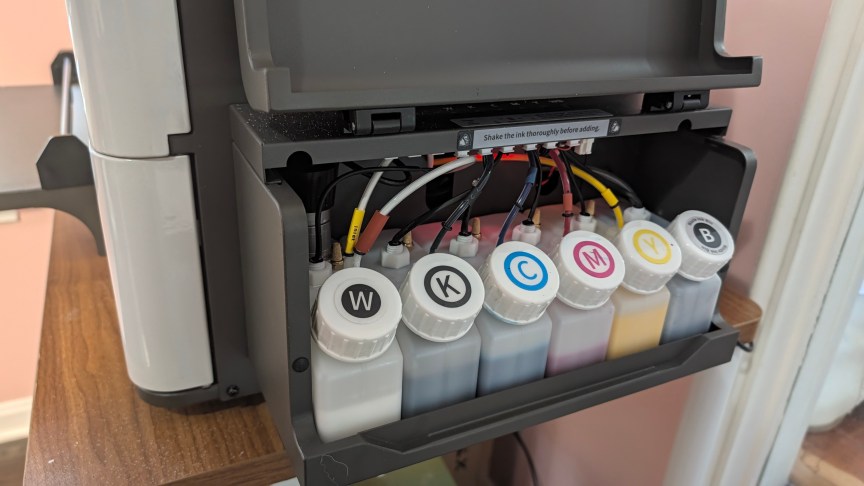
Maintenance is one of the most important parts of any DTF printer. The ink, especially the white ink, is thick and can easily clog up the print head if you leave it for just a few days. The D2 has a mixer built into the white ink pot that regularly agitates the liquid to keep it well mixed and ready to print.
If you print one or two transfers every day, you won’t have to worry about clogs on the D2. But after I left it for a week, it needed several cleaning cycles and a large test print to get the white flowing again. Importantly, though, that was all it took to get it going. I’ve had to swap out entire print heads after leaving other DTF printers for just a few days. Even if you turn the D2 off, it will continue to stir the ink as long as there’s power going in.
If you choose to buy the bundle that I’ve been testing, you’ll receive an oven to go with it. You can get a bundle with a heat press, too, but if you own a Cricut or have done heat transfer before, you likely have one already. The oven is essential for making the transfers because it melts the TPU plastic to the ink. I use a sealed tub half-filled with TPU powder and a small cup that I use to pour the powder over the print. This keeps the powder from escaping and makes a nice, even layer ready for cooking.


The software for the D2 has several settings that adjust how much white is layered on the back of your print. The white part is the one the plastic sticks to. Too far in, it won’t meet the edge of your print, so it won’t stick properly. Too much white and it’ll bleed over, leaving a white halo around your print that’ll stand out on a dark piece of clothing.
The design space is serviceable, though nothing special. It has a few basic design shapes that you can use and a bunch of free fonts, but the editing tools are a little lackluster. That being said, it’s had a couple of updates that have improved things, so they aren’t resting on their laurels. The background removal tool is good, though — like all background removal — it occasionally removes too much white in places it shouldn’t. I recommend removing the background through Canva or some other program if you want perfect transparency.
Color reproduction is excellent on the D2. Like most CMYK printers, it can make the full gamut of colors, and the prints look vibrant and lively. After they’re transferred, they look great and don’t fade over time, even after dozens of washes. The DTF film will start to peel away eventually on any transfer, but it can take years to finally see degradation.


Small businesses can offer variety
The D2 offers a lot of opportunities to create a side hustle or start a lucrative small business. It’s large enough to handle a high volume of transfers in a short time, yet small enough to fit in a spare room or garage. You don’t need a workshop to use it, or a constant connection to a PC. You can design transfers on your couch and plug your laptop in to print them.
Not only do the transfers work on cloth, they can also be used on other materials with varying success. I’ve used them on both real and vegan (plastic) leather, and they stick well if you clean them first. Wood works, too, though it doesn’t always stick for long, so I wouldn’t use it for a commercial product. I would say that if it’s something you can wear that won’t melt in the heat, you can probably make something cool.
You also don’t need to make all of them into garments. Blank t-shirts and hats can be expensive, but printing the transfer and shipping it in an envelope offers a lot better return on your investment. At $2,850, the D2, bundled with the oven, is not for hobbyists. You’ll want to make a profit with it if you can. Cricut itself has recognized that DTF is a great solution, and though they don’t make a DTF printer, it now offers a DTF print service where you can send the company an image and, for a price, it’ll ship you DTF transfers straight to your door.
If you’re looking to print a few one-offs, a print service might be a better option, as prices can be as low as $2. And if your business is going to print hundreds of these all day, every day, then a larger, more commercial machine is a better option. The D2 sits perfectly in the spot between those two extremes. If you’re printing a few transfers almost every day, then you’ll recoup the price of this machine in very little time.
Accidents can happen
 James Bricknell/CNET
The D2 is not without issues. The roll of film can shift when you cut it, pushing it to one side. If it lifts enough, the print head will catch and smear the ink, causing the print to fail and potentially damage the print head. It’s important to keep on the printer if you’re printing for long periods so you don’t lose a batch as the film shifts.
I also wish the printer had a built-in reprint button that kept the last print job sent to it. Being able to run batches of the same print without having to connect your laptop would increase productivity by a good amount.
Final thoughts
I’ve used several DTF printers over the years, and they’ve always felt like commercial products masquerading as consumer ones. The D2 from HTVRont feels like a complete package for a consumer. One that you can set up quickly to start making money immediately. It’s big and requires a couple of accessories to really use well, but if you have the space and want to expand your small crafting business, the D2 is an excellent option.
HTVRont D2 DTF printer


